01
One tap per set
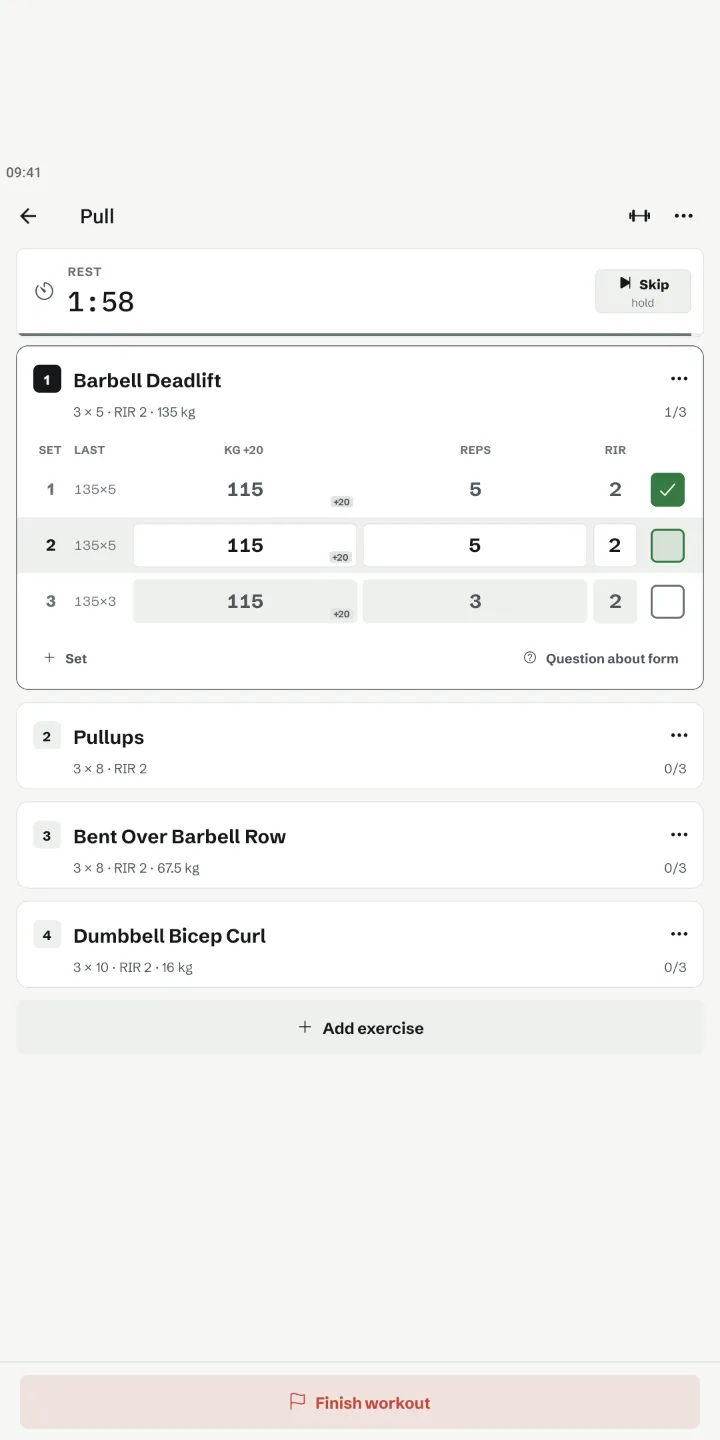
Last session's weight and reps are filled in. Set done, tap the box. One screen, no pop-ups.
 RackDay
NewWorkout log for Android
Your last set is already filled in. Tick it off, the rest timer starts by itself and the plates for the next one are on screen. Phone down, lift.
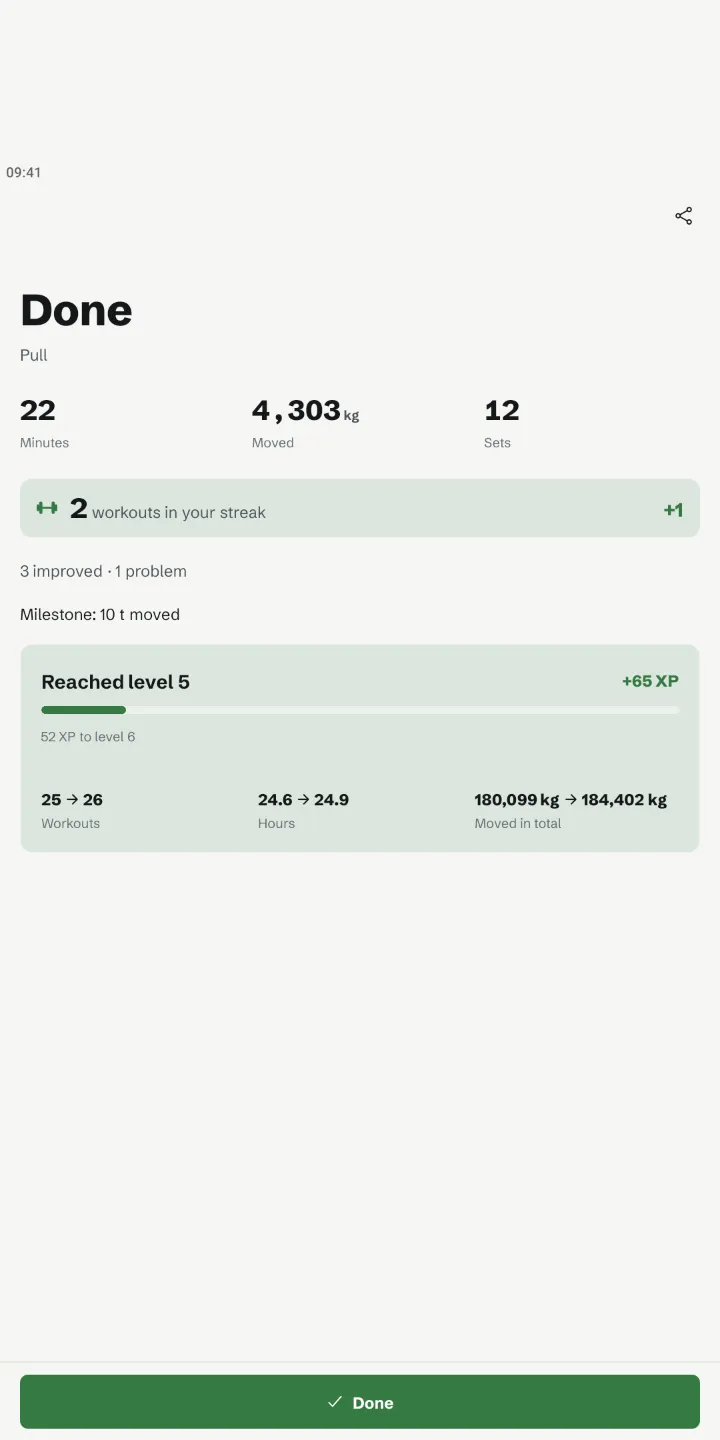
No feeds, no charts mid-set. Between two sets RackDay shows only what you need: last time's numbers, the rest timer and the plates. Everything else waits until you are done.
RackDay, start to finish
Last session's weight and reps are filled in. Set done, tap the box. One screen, no pop-ups.
The rest timer starts by itself as soon as the set is saved. Below it: which plates go on each side.
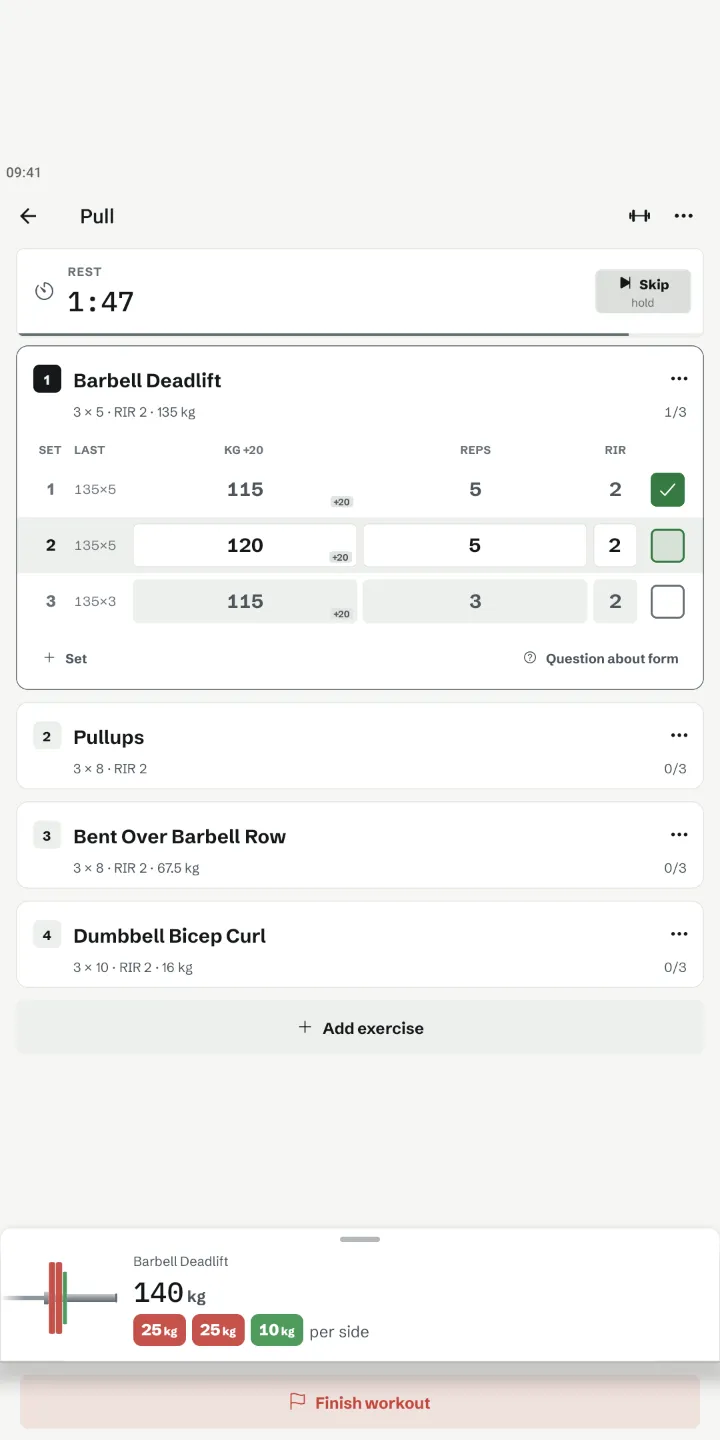
What you added, new bests, your streak and level come bundled once you are done. A short review adjusts next time's targets.
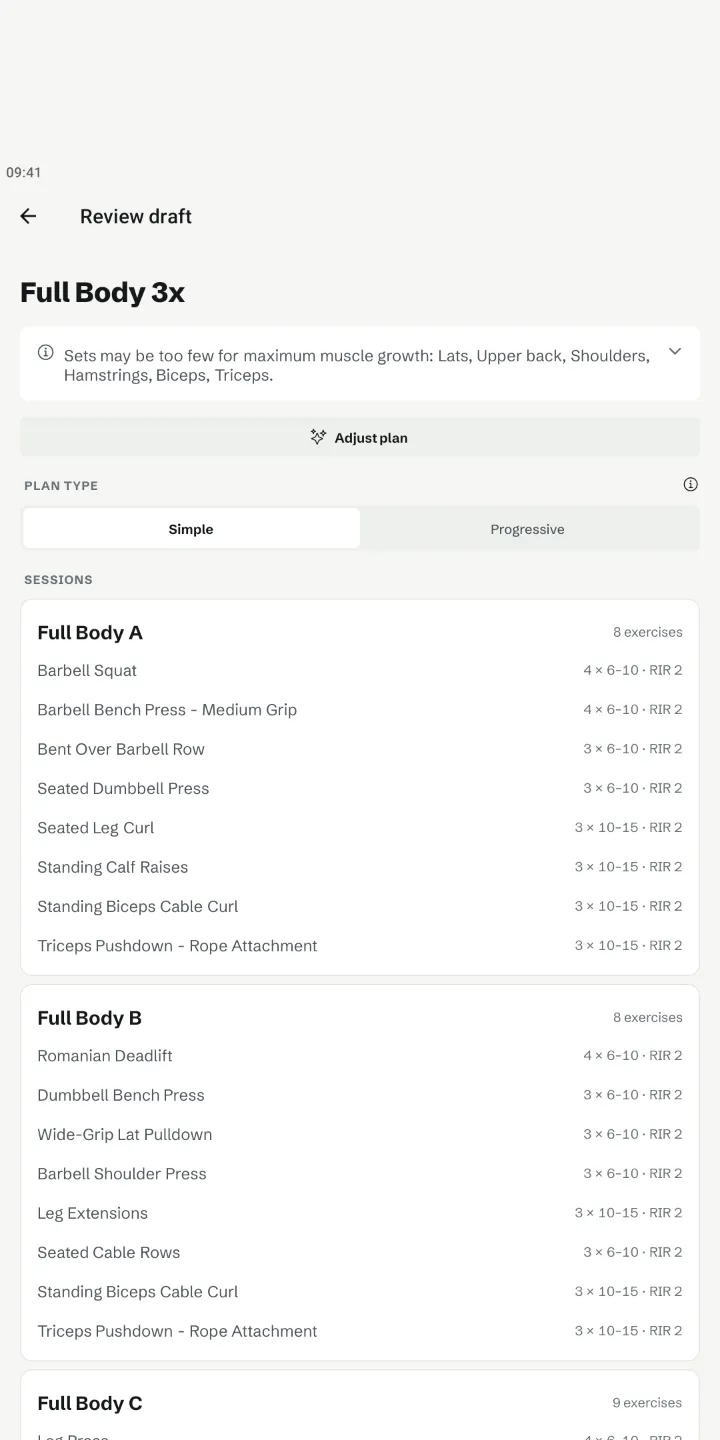
Let the AI build a plan from five questions, pick one from the library, or bring your history from Strong, Hevy or FitNotes. You review every draft.
Scan a QR code and train the same day together. You see where the other one is, and each of you logs your own weights.
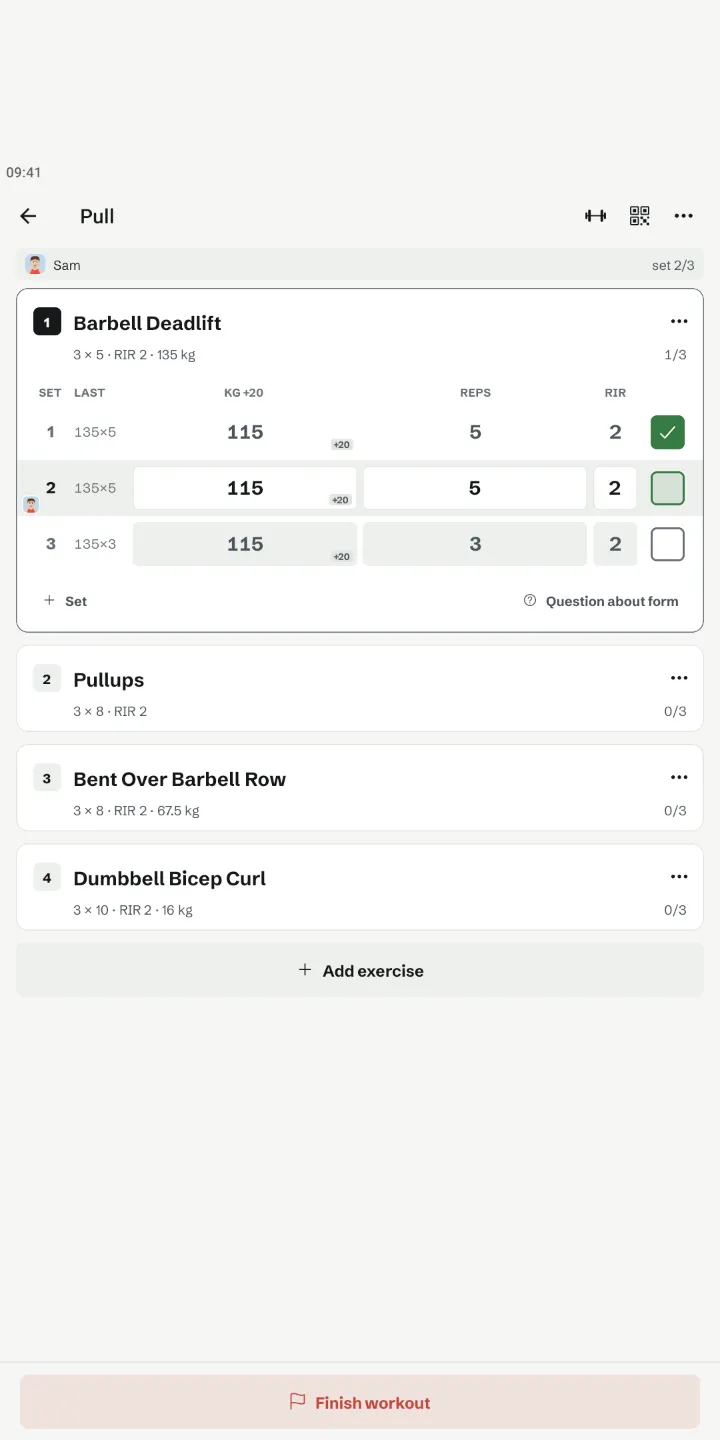
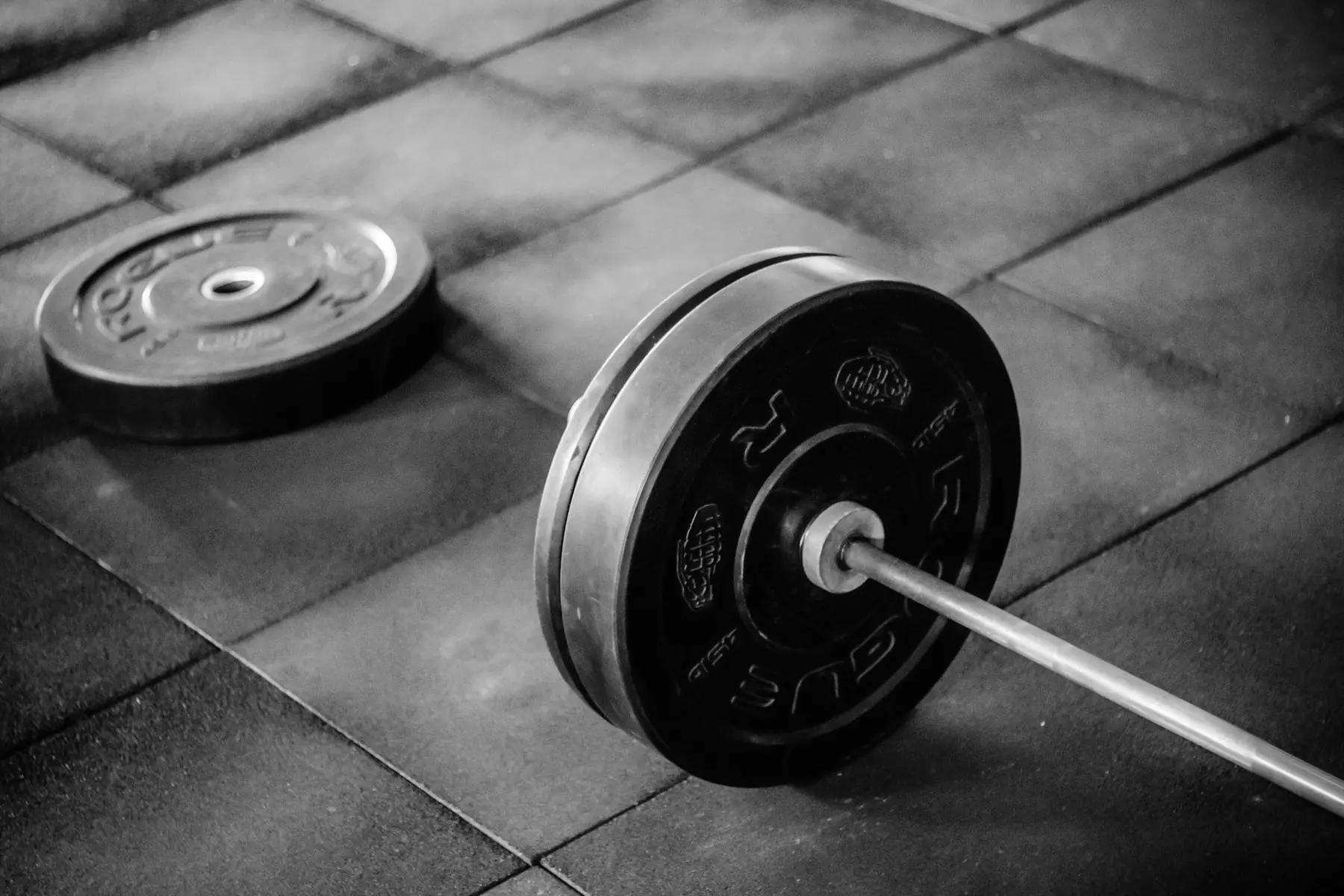
Plate calculator
Type the weight and RackDay shows exactly what goes on each side of the bar. No mental maths between sets.
Your data
Your training is stored at Supabase in Frankfurt.
ads, trackers or data sales. The AI features are optional and run at Mistral AI in the EU.
account needed. Export and delete any time in the app.
FAQ
Yes. Import your history from Strong, Hevy or FitNotes, snap a photo of a plan or let the AI draft one. Nothing is saved until you confirm the draft.
No. RackDay works without signing up. You only need an account to sync between devices or to train with friends.
Scan your partner's QR code and share the training day. You both see where the other one is, and each of you logs your own weights.
Yes. Type the weight and RackDay shows which plates go on each side of the bar, in kg or lb.
English and German.
Through the contact form. You can delete your account any time in the app or here.